Jonathan Davies Designs - Graphics - Tutorials
3D Studio MAX 2 Tutorials - Explosions
In this tutorial I am going to show you how to generate good quality explosions.
1) Creating the explosion
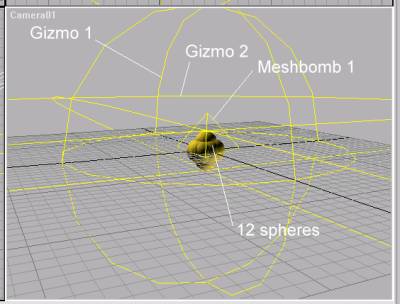
For the explosion I used two sphere gizmos and many exploding spheres to create the actual explosion. The picture below shows the arrangement of the objects:
Gizmo 1 is a perfect sphere (not resized) but Gizmo 2 has been squashed into a disk. The 12 spheres have been bound to the 'Bomb' space warp which has the following settings changed (anything not shown is the default):
Strength = 0.5
Spin = 100
Gravity = 0
Chaos = 10
The total animation is 100 frames long.
Gizmo 1 is a red / orange explosion with a density of 5.
Gizmo 2 is a blue / purple explosion with a density of 4.
2) Video post settings
In the video post window I added a glow to the spheres to enhance the explosion. I started the glow at about frame 10 so that they aren't glowing at the beginning when they are still whole. I also added the view and output settings (for more info on video post see glow tutorial)
3) Other additions
I added some noise to the camera to make it look as though as it was being knocked about by the explosion and had the camera panning down through the shockwave blast. You could also try to use a starfield in the background which would blur with the camera shakes creating a realistic scene.
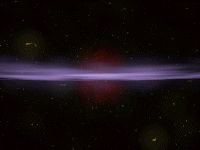
In this animation the shockwave explosion (blue bit) starts a bit too late and lasts too long but you can try different settings to suit the scene.
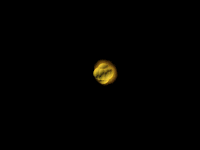
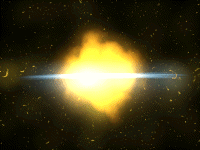
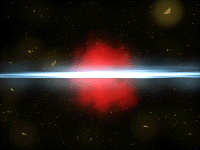
Below are some frames from the animation:
Below you can download the scene and animation.
Explosion scene (11kb)
Explosion Animation (1615kb)
The explosion animation is a slightly different one as it has a smaller file size.